Press for navigation
Swipe for navigation

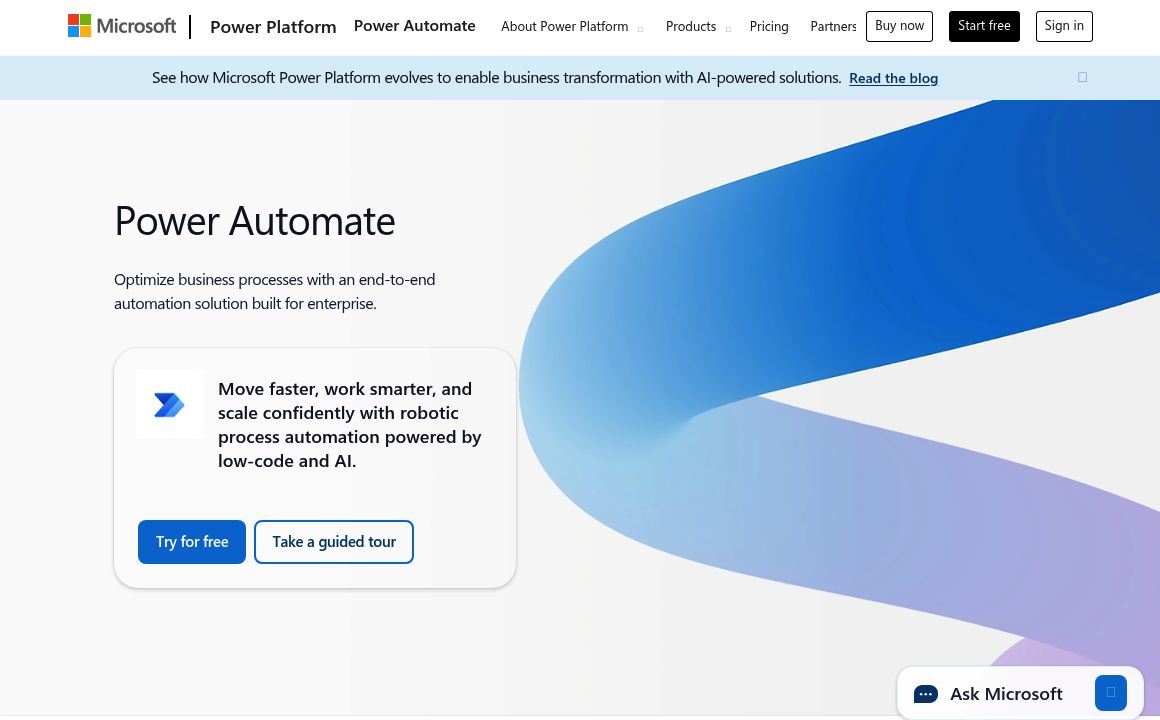
Microsoft Power Automate

Streamline your workflows with Microsoft Power Automate's automation capabilities, integration power, and user-friendly interface.
Automation Updated 1 hour ago
Visit Website
Microsoft Power Automate

Microsoft Power Automate's Top Features

Cloud Flows
Desktop Flows (RPA)
Process Mining
Templates and Pre-built Flows
Extensive Connectors
AI Capabilities
Approval Workflows
Mobile App Integration
Analytics and Monitoring
Low-Code/No-Code Interface

Frequently asked questions about Microsoft Power Automate

Power Automate is a cloud-based service that automates workflows across various applications and services, facilitating easy creation of automated processes with minimal coding needed.

Power Automate is designed for business users and IT decision-makers who want to streamline their workflow processes by building simple or complex solutions without needing extensive programming skills.

Power Automate features a simpler, user-friendly interface suitable for non-programmers, while Logic Apps offers more advanced integration with Azure services.

It offers extensive connectors, low-code/no-code solutions, AI-powered capabilities, RPA, process mining, and seamless integration with Microsoft services.

Primarily a cloud service, Power Automate can securely connect to on-premises services using a data gateway.

You can automate approval processes, data entry, file management, notifications, data transformations, and cross-application integrations.

Pricing for Power Automate varies by plan, offering both free and paid options based on features used.

Start by using an email address and web browser. Microsoft provides tutorials, documentation, and community support for learning.

Yes, users can share flows with colleagues, granting either owner or run permissions within their organization.

The free version is limited in capabilities, and the platform relies on connector functionality, with some complex tasks requiring advanced coding skills.

Microsoft Power Automate's pricing

Power

$0/custom

  • 30-day trial to explore platform functionality
  • Experiment with cloud flows using standard connectors
  • 90-day free trial available

Power

$15/monthly

  • Billed annually
  • Unlimited cloud flows (DPA)
  • Attended desktop flows (RPA)

Power

$150/monthly

  • Billed annually
  • Cloud flows (DPA)
  • Unattended desktop flows (RPA)

Customer Reviews

Login to leave a review

No reviews yet. Be the first to review!

Top Microsoft Power Automate Alternatives
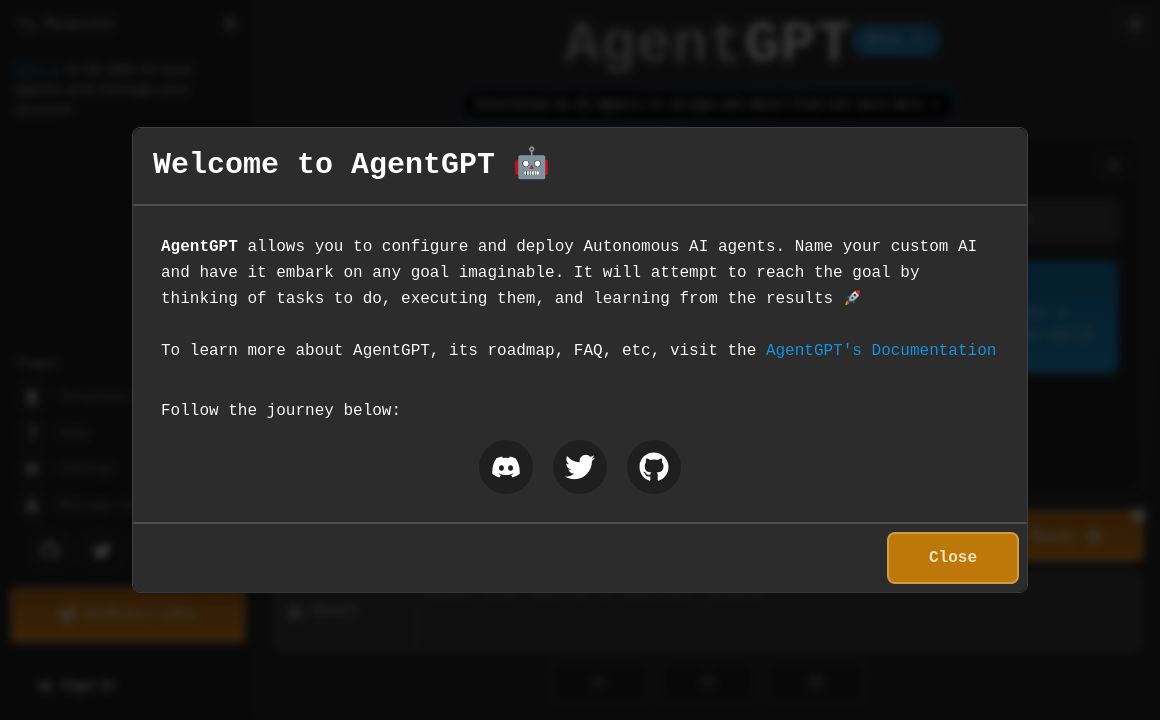
AgentGPT

Unlock the potential of autonomous AI with AgentGPT, your tool for executing complex tasks like trip...
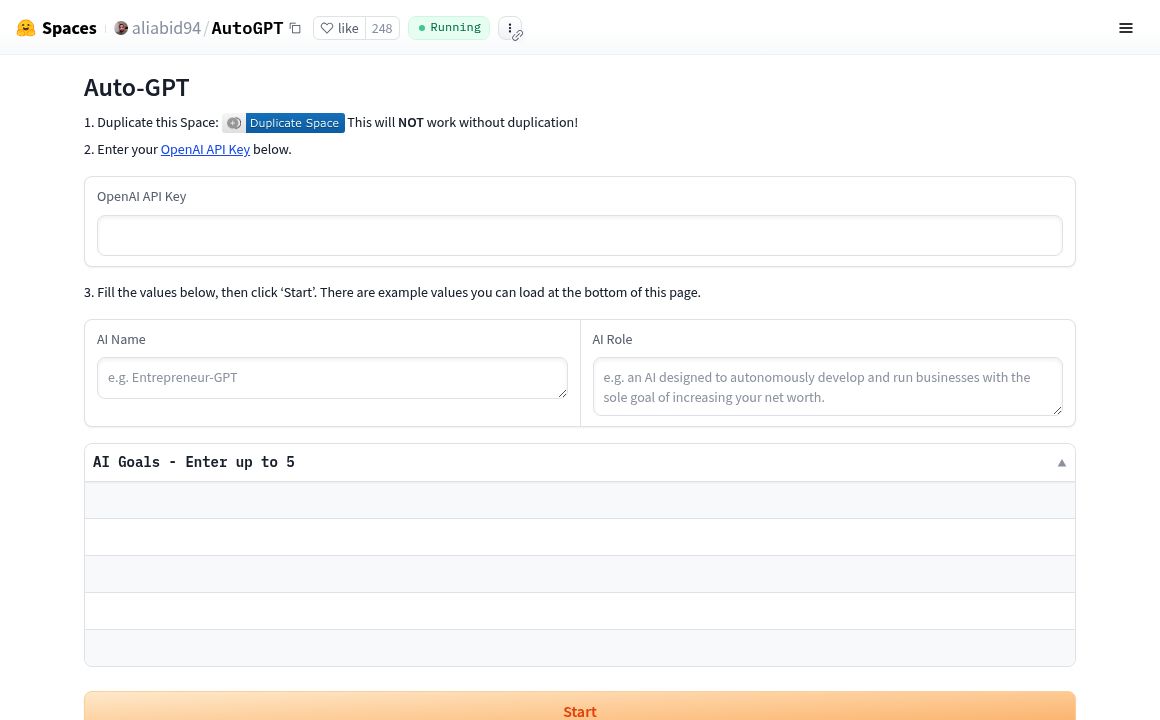
AutoGPT (Hugging Face)

Explore AutoGPT by aliabid94 on Hugging Face - an AI tool for task automation and content generation...

Cheat Layer

Cheat Layer offers advanced business automation using Atlas-1 and GPT-4, simplifying complex tasks w...
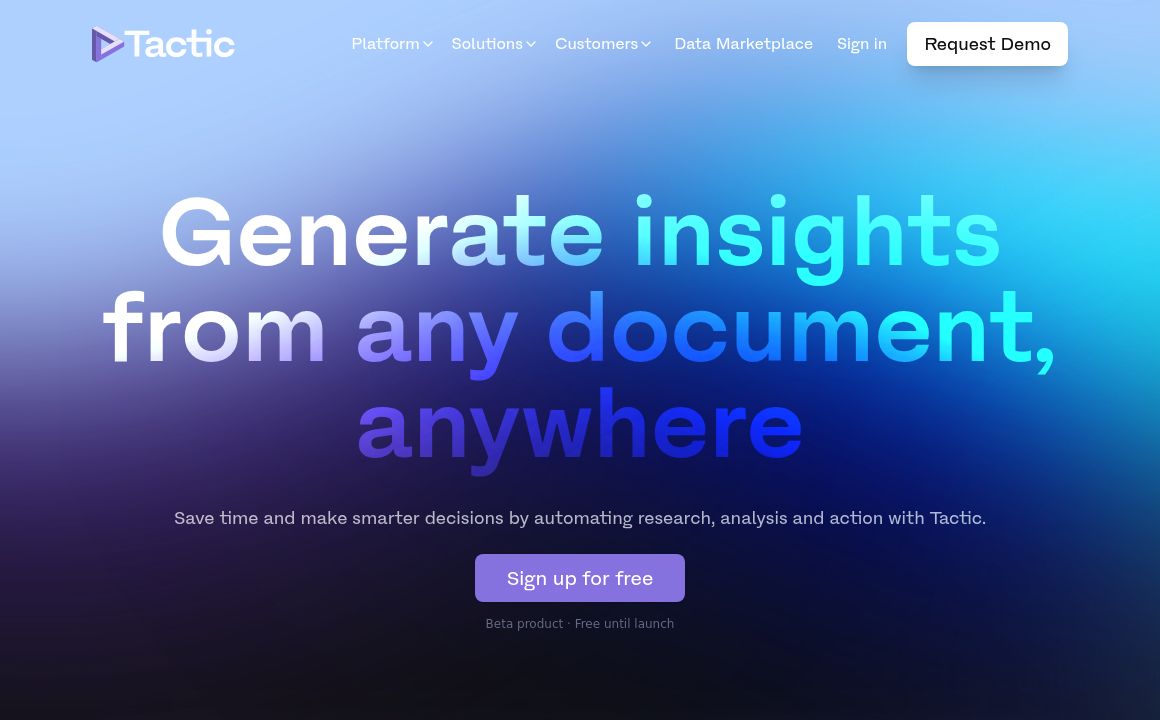
Tactic

Use Tactic to generate insights from any document and automate your research and analysis process.
bardeen

Discover Bardeen AI, the free platform to automate tedious tasks and streamline workflows using natu...
Axiom

Axiom.ai simplifies building AI-powered bots with ChatGPT integration, featuring data extraction, te...
Prev Project
Next Project