Press for navigation
Swipe for navigation

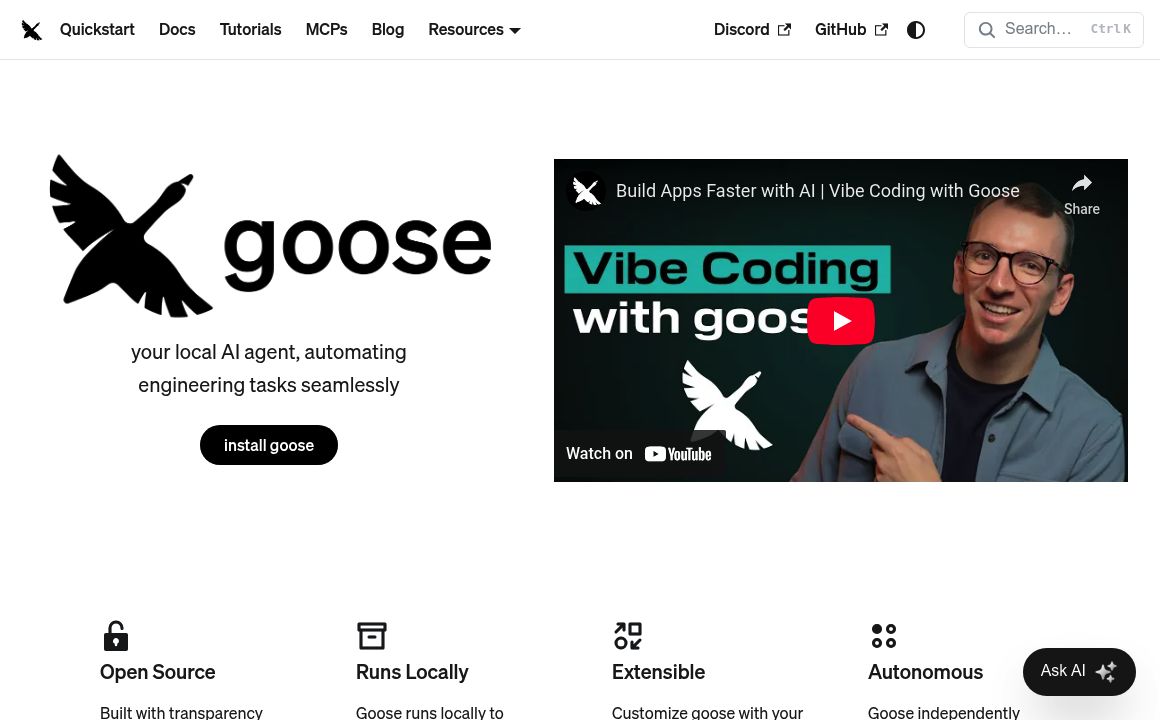
codename goose

On‑machine, open source AI agent with MCP extensions, recipes, LLM choice, and desktop/CLI for automated engineering tasks.
Automation Updated 1 hour ago
Visit Website
codename goose

codename goose's Top Features

Extension‑based integrations via MCP (GitHub, Google Drive, JetBrains IDEs) with support for custom extensions
Flexible LLM support with configurable local and remote providers
Desktop app and CLI interfaces sharing the same configurations and recipes
Autonomous task execution with Auto, Approve, and Chat modes
Step‑by‑step task planning with review, pause, and adjustment controls
Natural‑language interaction that understands informal prompts and slang
Concurrent task handling with multiple agent instances in the UI
Robust error handling that surfaces issues to the model for automated fixes
Memory and context management to retain important information over long sessions
Open source and community‑driven development and exploration

Frequently asked questions about codename goose

Goose is an on‑machine, open source AI agent that automates tasks and boosts productivity, especially for engineering workflows. It runs as a desktop app or CLI and can use your preferred large language model (LLM).

Recipes are predefined automations or workflows—such as code refactoring or feature‑flag removal—that Goose can execute autonomously to complete complex, multi‑step tasks.

Goose uses extensions built on the Model Context Protocol (MCP) to connect with tools like GitHub, Google Drive, and JetBrains IDEs, and you can create custom extensions for other apps.

No. While Goose focuses first on engineering productivity, its extensible architecture enables use beyond coding, and the community continues to explore broader applications.

Goose automates tedious, repetitive maintenance that requires code understanding—for example, identifying and removing obsolete feature flags with recipes like Goose Janitor—to keep code clean and improve velocity.

.gooseignore lets you block files or directories from access or modification, and allowlists restrict Goose from calling unsafe or untrusted tools.

Yes. Goose supports a wide range of local and remote LLM providers so you can configure or swap models to fit your needs.

Goose runs as both a desktop interface and a command‑line interface (CLI), sharing the same configurations and recipes across environments.

It captures errors—like malformed inputs or missing tools—and sends them back to the model so it can attempt fixes and keep the workflow moving.

Yes. Goose is fully open source, enabling the community to inspect, contribute, and extend its capabilities.

codename goose's pricing

Goose

$0/

  • Full access to all agent features
  • Desktop and CLI modes
  • Model routing

LLM

$0/

  • Access to certain models
  • Rate-limited usage
  • Examples include Groq and Google Gemini (details vary by provider)

LLM

$0/custom

  • Pricing set by provider/model
  • Typically per-token or per-API call billing
  • Higher limits and premium/advanced models

Customer Reviews

Login to leave a review

No reviews yet. Be the first to review!

Top codename goose Alternatives

AgentGPT

Unlock the potential of autonomous AI with AgentGPT, your tool for executing complex tasks like trip...
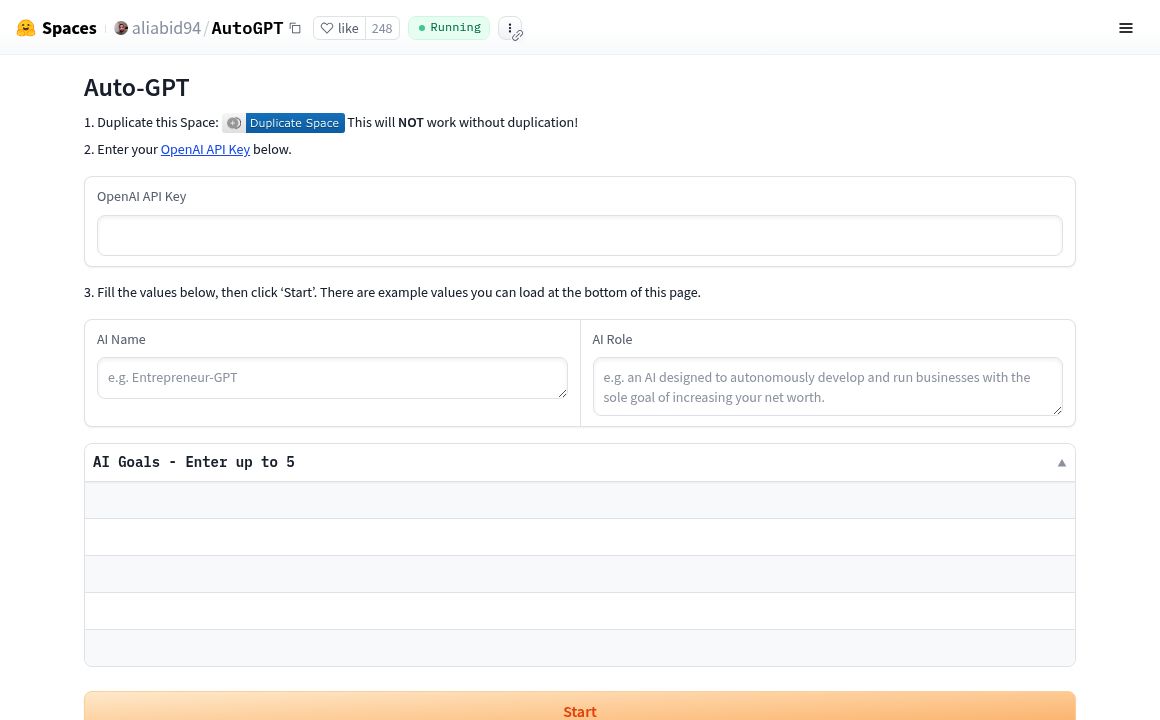
AutoGPT (Hugging Face)

Explore AutoGPT by aliabid94 on Hugging Face - an AI tool for task automation and content generation...

Cheat Layer

Cheat Layer offers advanced business automation using Atlas-1 and GPT-4, simplifying complex tasks w...
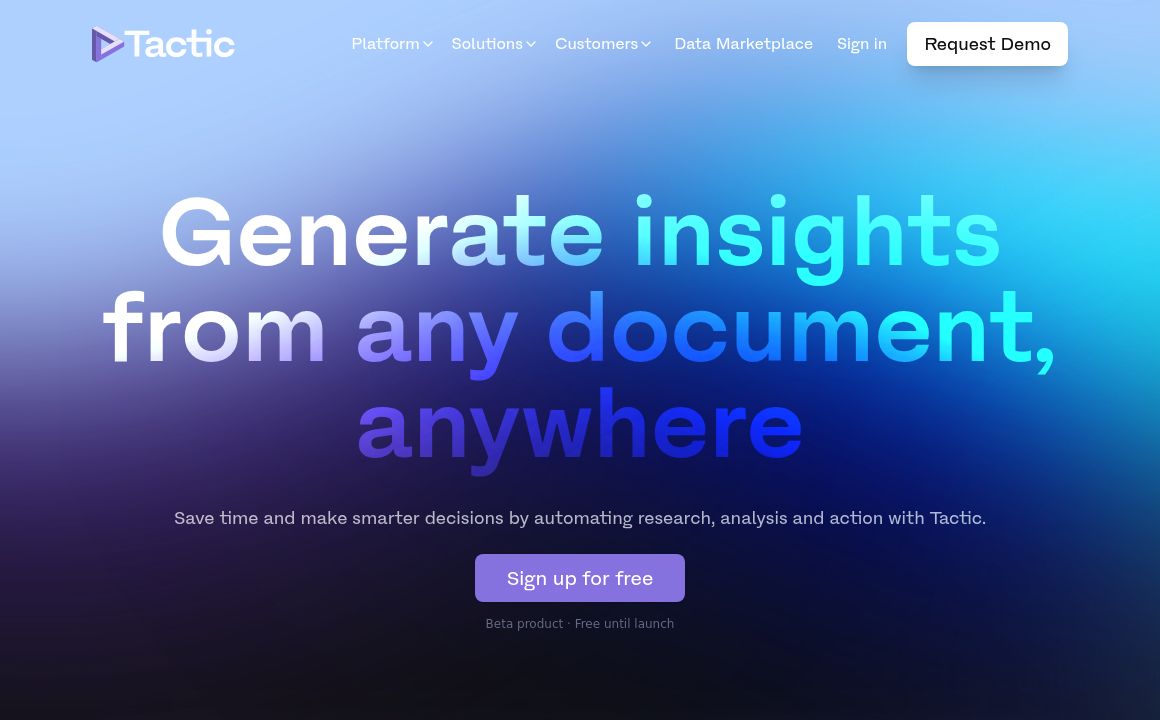
Tactic

Use Tactic to generate insights from any document and automate your research and analysis process.
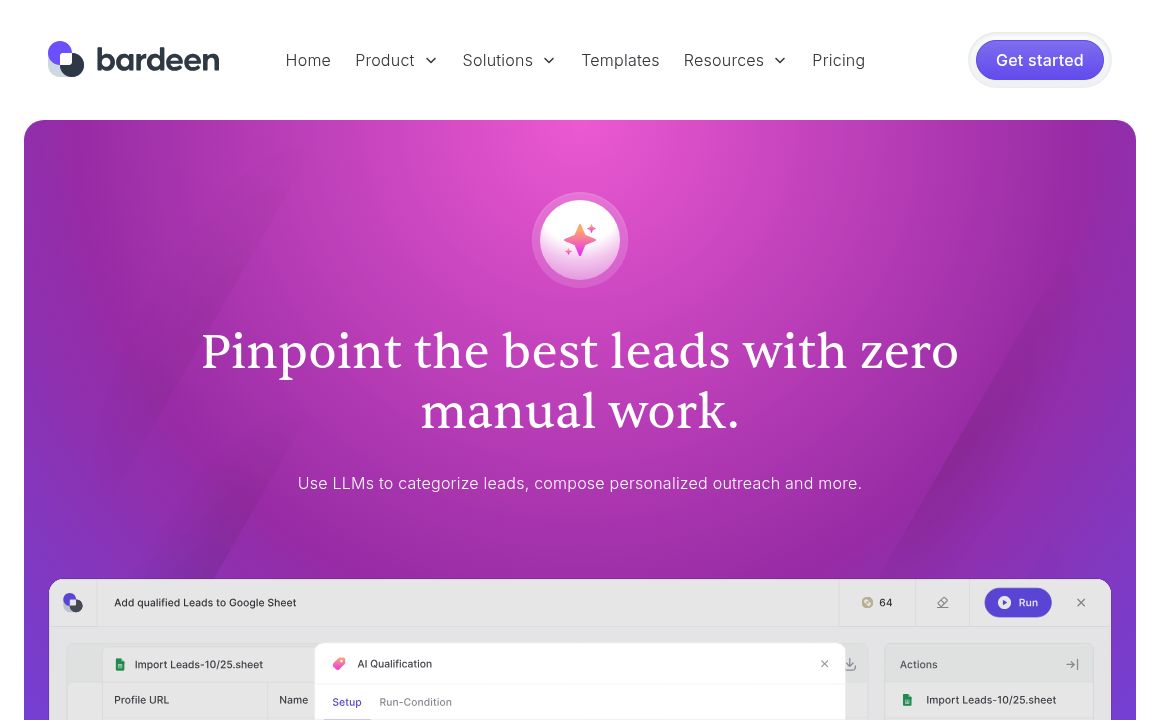
bardeen

Discover Bardeen AI, the free platform to automate tedious tasks and streamline workflows using natu...
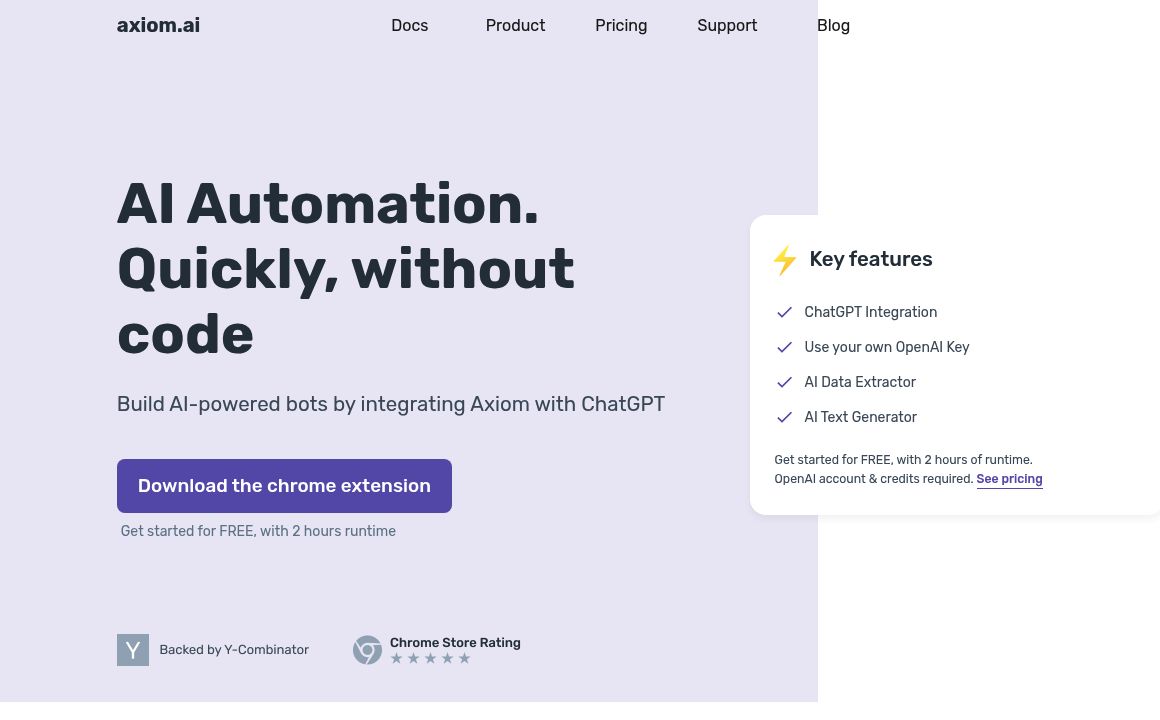
Axiom

Axiom.ai simplifies building AI-powered bots with ChatGPT integration, featuring data extraction, te...

Prev Project
Next Project