Press for navigation
Swipe for navigation
Bricksee
Manage and track your LEGO sets effortlessly with Bricksee. Add sets, recover hidden bricks, get in-depth parts info, and more.
App for LEGO Enthusiasts
Updated 32 minutes ago
Bricksee's Top Features
Database of over 10,000 LEGO sets
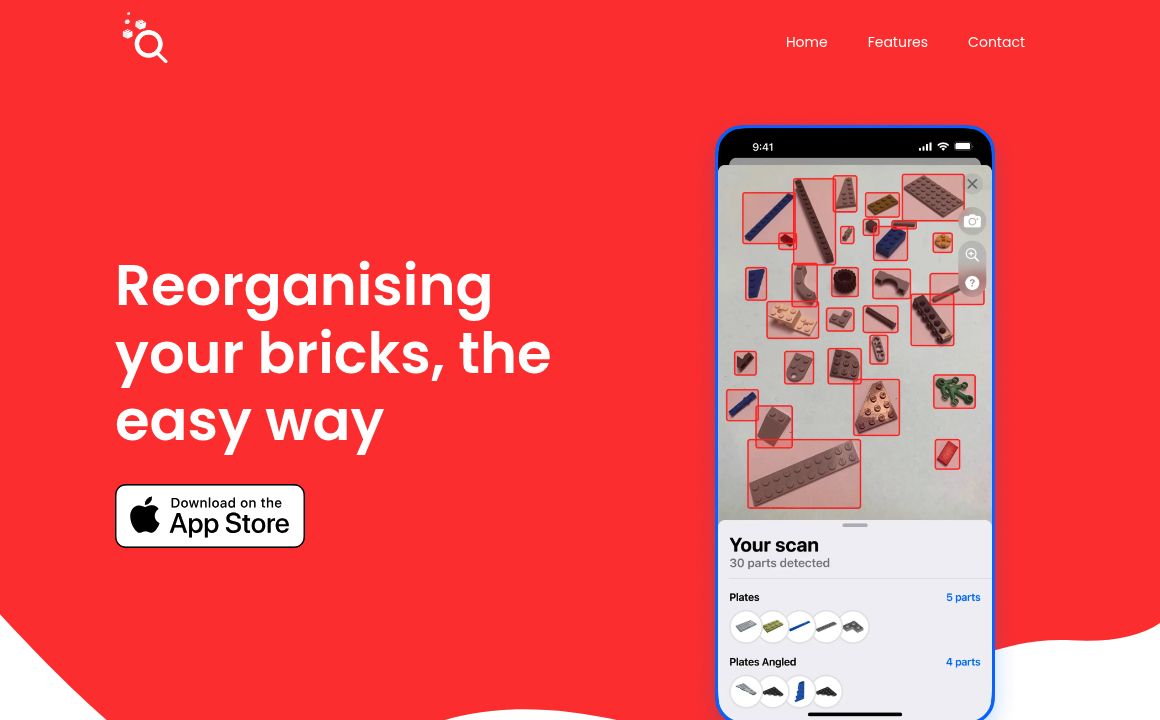
Photo-based brick recovery feature
In-depth individual part information
Detailed set tracking and rebuilding progress
In-app set instructions
Direct support contact
Comprehensive privacy policy
Available on iOS and Android
Part addition for unsaved sets
More detailed set information
Frequently asked questions about Bricksee
To start using Bricksee, simply download the app from the app store and add your LEGO sets from a database of over 10,000 options.
Lay your bricks out evenly on the ground, take a photo with the Bricksee app, and the app will help you identify and recover hidden bricks.
Yes, Bricksee provides in-depth information about individual parts, including how many sets contain the part and which sets you own.
Yes, you can add a part directly to a set you haven’t saved yet using Bricksee.
Bricksee allows you to see all the parts contained within your set and track your rebuild progress in the app. You can also view instructions in the app.
In addition to parts info, Bricksee provides more detailed information about your sets and recalls the last time you searched for a matching part.
Yes, Bricksee provides a seamless way to contact support directly through the app.
Bricksee is available for download on both iOS and Android devices through their respective app stores.
Yes, Bricksee offers product help and in-app instructions to assist users.
Yes, Bricksee has a comprehensive privacy policy that users can access through the app or the website.
Prev Project