Press for navigation
Swipe for navigation
Mindmess
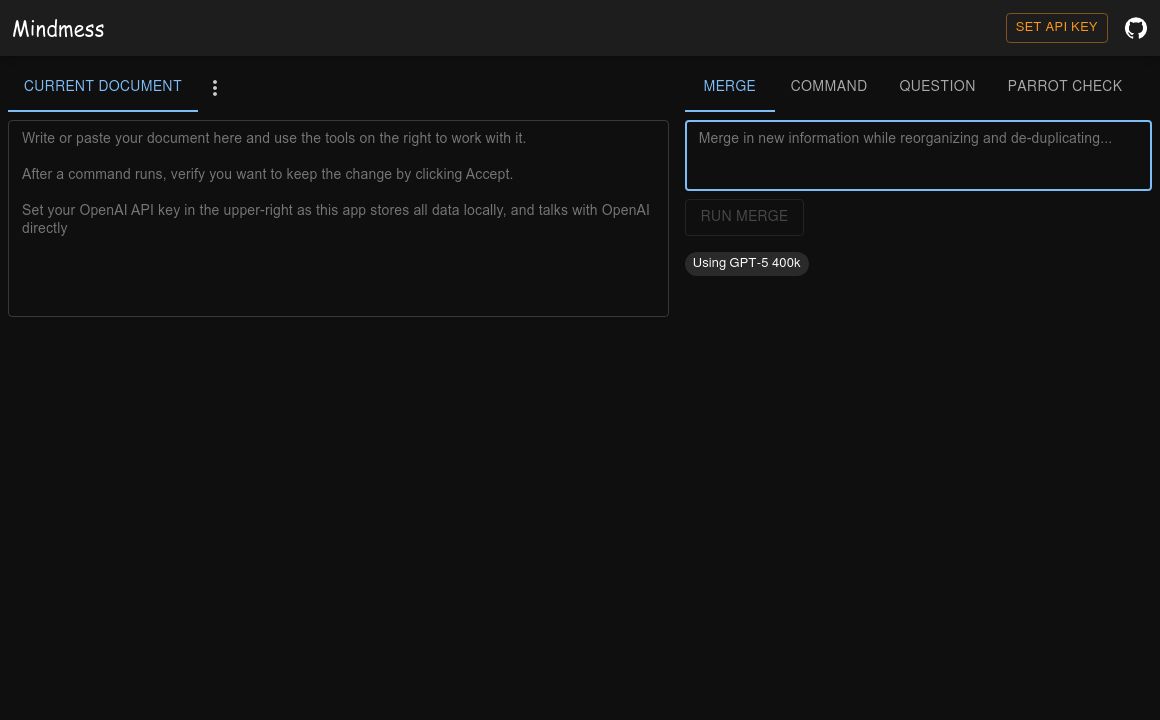
Set up and manage your Mindmess API key with ease using our user-friendly interface.
API Management
Updated 2 hours ago
Mindmess's Top Features
User-friendly interface for setting API keys
Step-by-step setup guidelines
Secure API key management
Supports API key updates and revocations
Team access management
Multi-user API key generation
Subscription plan dependent API key limits
Integration support
Usage auditing recommendations
Comprehensive troubleshooting help
Frequently asked questions about Mindmess
To set up your Mindmess API key, follow the step-by-step instructions provided on the Mindmess API Key Setting page.
You can find your API key in the account settings of your Mindmess dashboard.
Yes, the Mindmess API Key Setting page is secure and ensures that your API key is protected.
Yes, you can update your API key by accessing the API Key Setting page on Mindmess and following the update instructions.
If your API key is not working, try generating a new one from your Mindmess dashboard and update it on the API Key Setting page.
The number of API keys you can generate may depend on your Mindmess subscription plan. Please check your plan details.
For security reasons, it is recommended to update your API key regularly, depending on your usage and security policies.
You should avoid sharing your API key directly. Instead, use team management features within Mindmess to grant access.
You can revoke an API key by navigating to the API Key Setting page and following the revocation instructions.
Updating your API key will require you to update it in all integrations where it is used, to ensure they continue to function properly.
Category
API ManagementTop Mindmess Alternatives
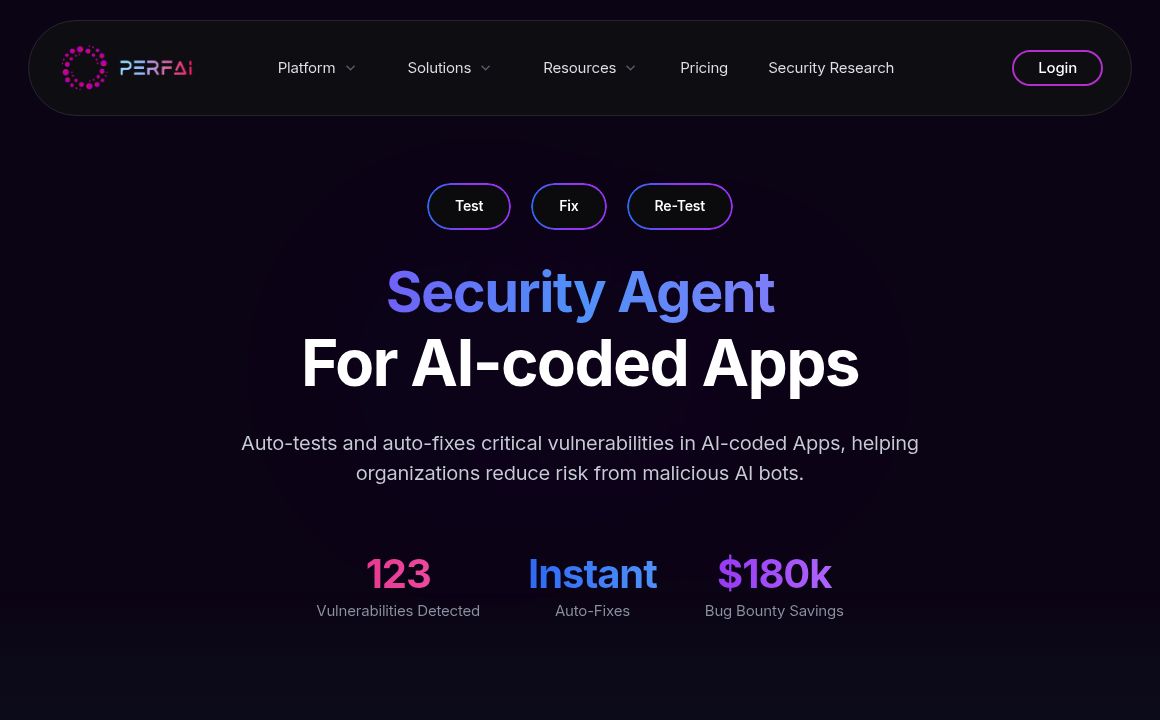
PerfAI
0PerfAI offers AI-powered automation for API privacy, governance, performance, release notes, and ver...
Prev Project