WordPress.com Integrates AI Assistant for Content Management, Design Automation, and Image Generation
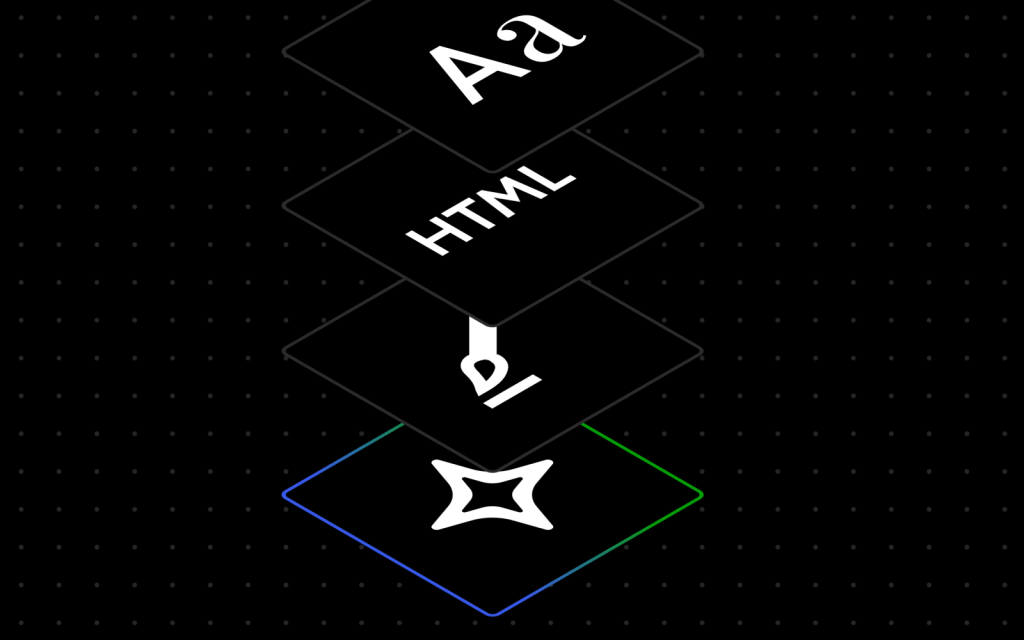
WordPress.com, Automattic's managed hosting platform, has announced the integration of a native AI assistant designed to streamline website management and content creation workflows. The implementation enables site administrators to execute modifications through natural language processing commands directly within the platform's editing environment.
Core Functionality and Natural Language Interface
The AI assistant operates with contextual awareness of the website's architecture and content structure, facilitating real-time modifications through conversational commands. Users can implement design adjustments without requiring precise prompt engineering, utilizing general directives such as:
• "Make this section feel more modern or spacious"
• "Change my site's colors to be brighter and bolder"
• "Give me more font options that feel clean and professional"
Layout and Structural Modifications
The system supports dynamic page construction through commands like "add a contact page" or "add a testimonials section below this section." However, functionality is currently limited to block themes, with classic theme architectures remaining unsupported. The assistant interface will not render in the editor when classic themes are deployed.
Content Optimization and Collaborative Editing
Beyond structural modifications, the AI assistant provides comprehensive content management capabilities including:
• Content rewriting and tone adjustment
• Multi-language translation services
• Headline generation and optimization
• Fact-checking and grammatical analysis
Integration with the block notes editor introduced in WordPress 6.9 enables collaborative workflows where team members can invoke AI assistance using the @ai mention syntax, receiving contextualized responses with source citations and reference links.
Image Generation and Manipulation
The platform leverages Google Gemini's Nano Banana AI models for visual content creation and modification. Accessible through a dedicated "Generate Image" button in the Media Library, users can specify parameters including aspect ratios and stylistic preferences for both new image generation and existing asset modification.
Deployment and Activation
The WordPress AI Assistant operates on an opt-in basis. Administrators can enable the feature through the following navigation path:
1. Access the Sites list from the dashboard
2. Select the target site
3. Navigate to Settings
4. Locate "AI tools" section
5. Toggle "Enable AI assistant" to active state
Sites created through the AI website builder will have the assistant pre-enabled by default.
Sources:
WordPress.com Official Announcement
WordPress Block Themes Documentation
WordPress AI Website Builder
🔔 Stay tuned and subscribe →
Related news



Try these AI tools
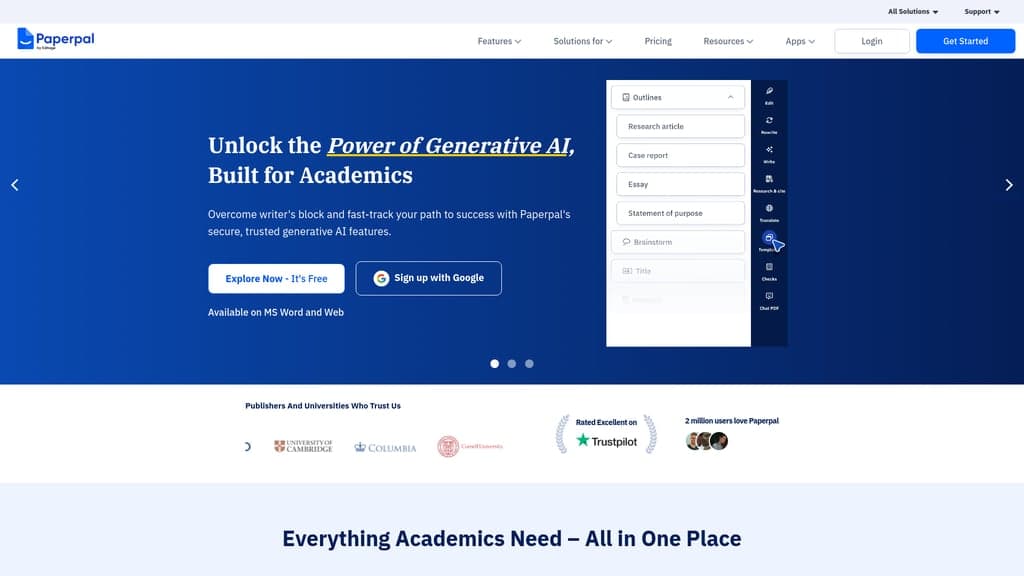
Paperpal is the AI academic writing assistant that fixes grammar, paraphrases, finds references, and...
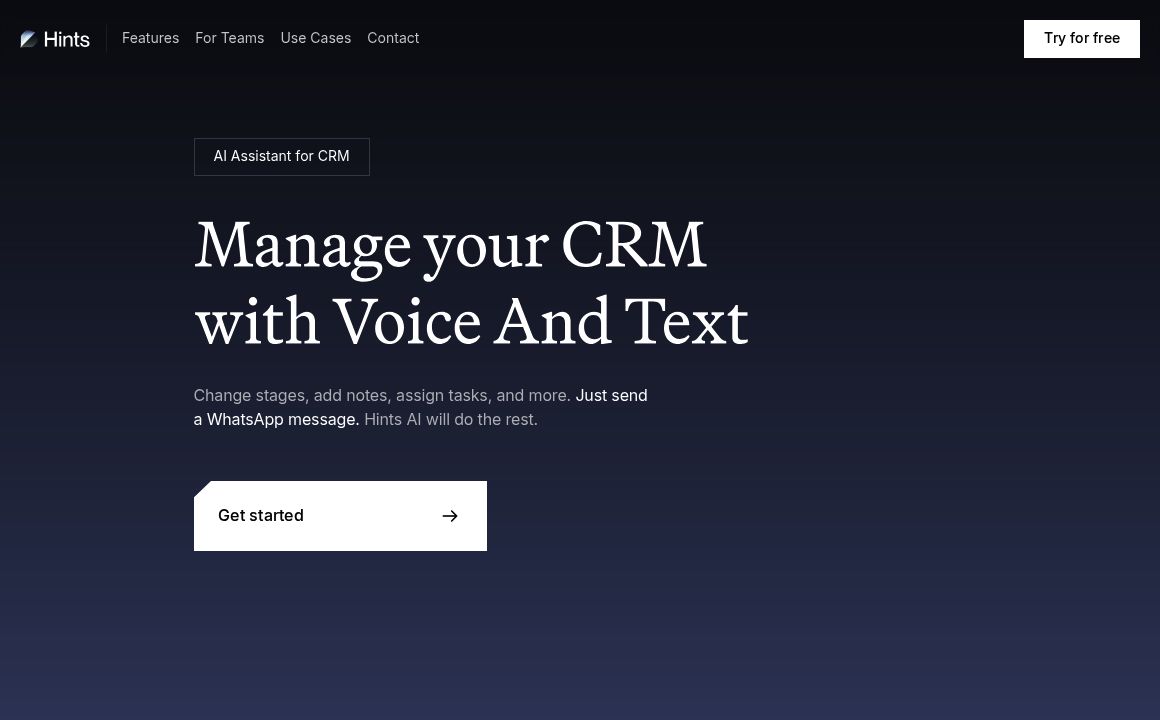
Automate CRM with Hints AI: voice/text updates, real-time sync, call transcription, and multi-channe...
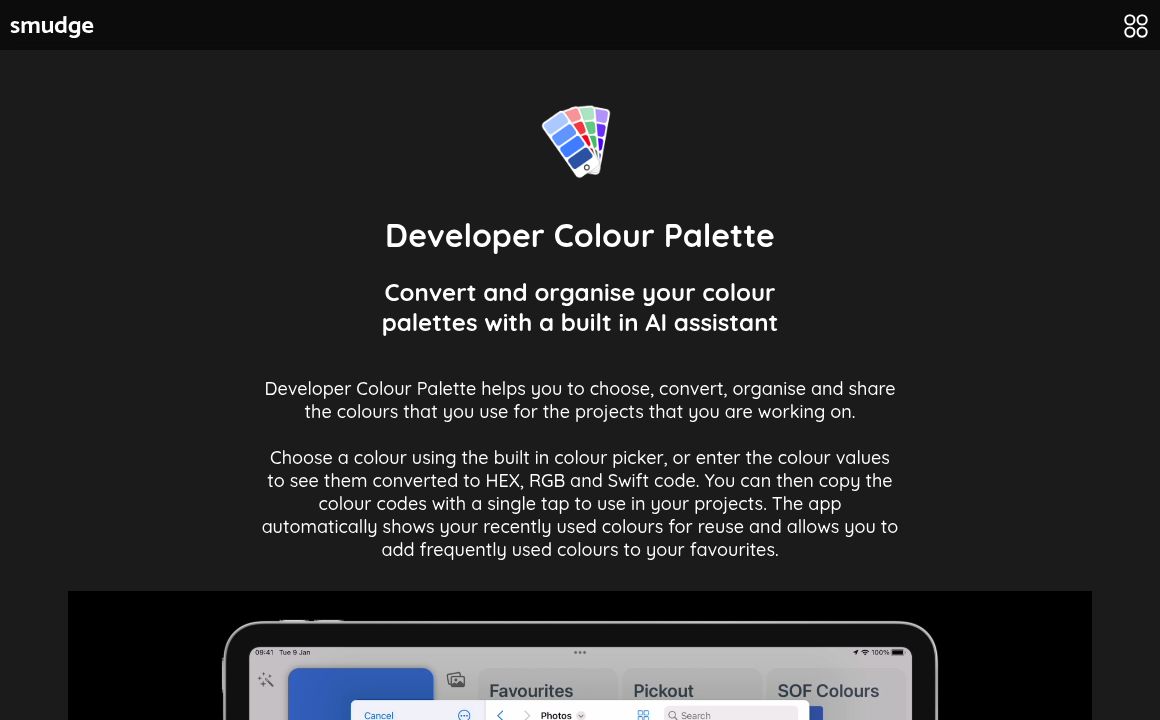
Optimize your color workflow with Developer Colour Palette's AI-powered tools for choosing, converti...