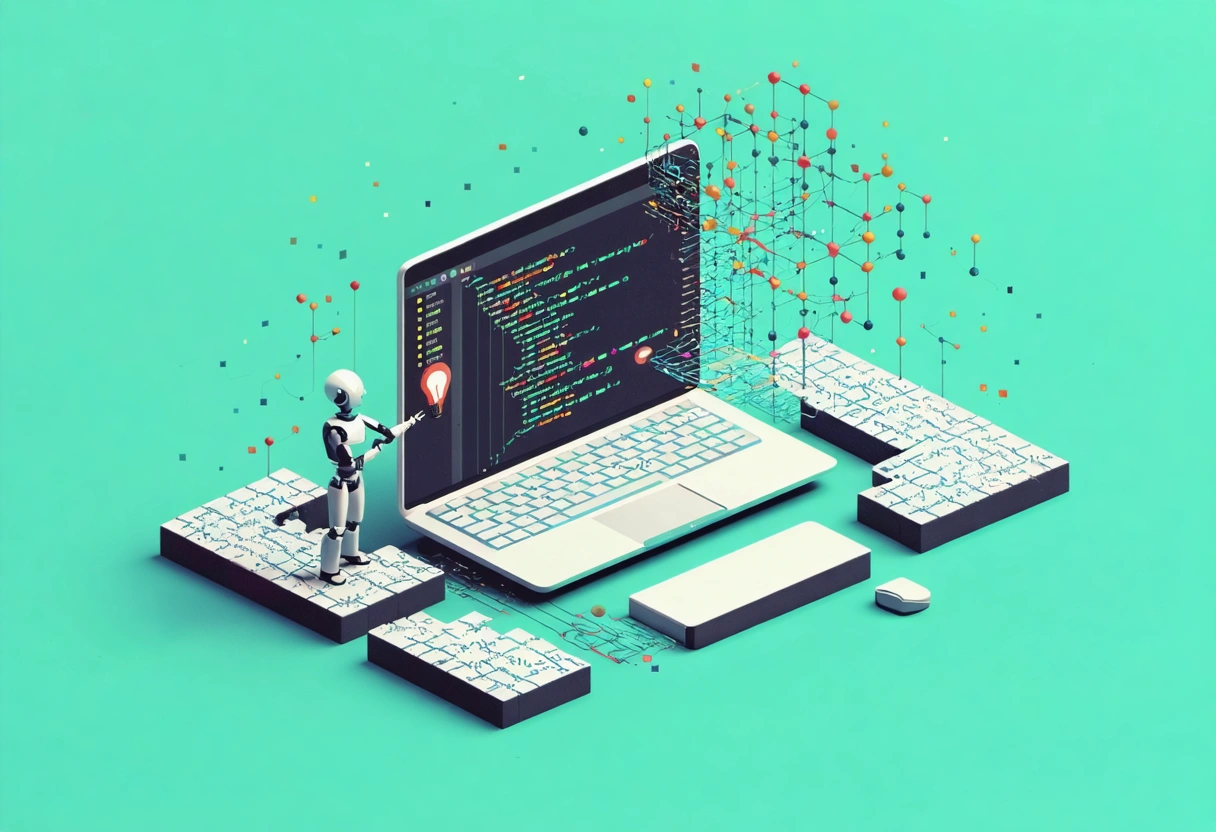

🚀 How AI Is Revolutionizing Chrome Extension Development
As someone who's spent years in tech automation, I've witnessed how AI has transformed software development workflows. Chrome extensions represent a perfect opportunity to apply these AI-powered techniques, giving developers powerful tools to enhance browser functionality with less manual coding.
Having built numerous browser extensions myself, I can confirm that AI tools have cut my development time in half while improving code quality. Let me share what I've learned about building Chrome extensions using today's best AI automation.
🧩 Understanding Chrome Extension Fundamentals
Before we dive into AI tools, let's clarify what Chrome extensions actually are. These small software programs customize your browsing experience by modifying Chrome's interface or behavior. They're built with web technologies like HTML, CSS, and JavaScript, enabling features from ad blockers to productivity tools.
Every Chrome extension consists of several essential components:
- manifest.json - Configuration file for permissions and metadata
- Background scripts - Run persistently or on specific events
- Content scripts - Interact directly with web pages
- Popup/HTML pages - Provide user interfaces
Understanding these basics provides the foundation for applying AI automation effectively.
🤖 How AI Transforms Extension Development
The traditional approach to building extensions demands significant knowledge of JavaScript, asynchronous programming, and Chrome APIs. This learning curve can be steep, especially for entrepreneurs looking to automate their business processes.
AI coding assistants have changed this landscape completely. Tools like GitHub Copilot, OpenAI Codex, and AI-enhanced IDEs now offer:
- Smart code completion that understands context
- Error prediction before runtime
- On-the-fly refactoring suggestions
- Reduction in boilerplate coding
For business owners and developers alike, this means faster development cycles, better code quality, and simplified management of complex logic - exactly what I focus on when helping clients eliminate routine tasks.
📝 Planning Your Extension With AI Assistance
Every successful automation project starts with proper planning. AI tools excel at this phase by providing:
- Intelligent ideation based on market gaps and user needs
- Natural language processing to convert plain English descriptions into structured requirements
- Project management assistance for milestone planning and task prioritization
I've found that when we visualize all processes at this stage (just like when I help businesses map their operations), we often discover that many decisions are made intuitively - which becomes a stress factor later. Using AI to formalize these processes reduces that stress.
💻 Setting Up Your Development Environment
Modern AI-driven IDEs provide exceptional environments for Chrome extension development:
- Auto-generation of configuration files like manifest.json
- AI-curated code snippets and templates for common extension structures
- Integrated debugging assistants to catch issues early
This automation minimizes setup errors and frustration, keeping your focus on productivity rather than configuration headaches.
✍️ Writing Extension Code With AI Assistants
The most powerful benefit comes from AI coding itself. Tools like GitHub Copilot can generate complete JavaScript functions, content scripts, or event listeners simply by interpreting comments or partial inputs.
For example, when creating a content script that modifies webpage elements, you can simply describe what you want in a comment, and AI will suggest complete code snippets - saving hours of manual coding and research.
AI particularly shines when handling asynchrony with Promises or async/await syntax, which is central to Chrome API interactions for data fetching and event responses.
🧪 Automating Testing With AI
Testing remains crucial for ensuring extension performance, compatibility, and security. AI automation brings significant advantages here:
- Automated test case generation based on typical usage patterns
- Code coverage analysis to identify untested pathways
- Security vulnerability detection before deployment
- Simulated user interactions across different contexts
By incorporating AI-powered CI/CD pipelines, your extension updates can be reliably tested and deployed with minimal oversight - removing another routine task from your plate.
🎯 Optimizing User Experience Through AI
Chrome extensions thrive on superior user experience - something I always emphasize when helping business clients automate their customer interactions. AI tools provide remarkable personalization capabilities:
- Dynamic interface adjustments based on user behavior
- Machine learning models that adapt recommendations in real-time
- Embedded chatbots or natural language processing for user support
These features create smarter, more responsive tools that feel custom-tailored to each user - a key differentiator in today's crowded extension marketplace.
📊 Post-Launch Maintenance With AI Analytics
After publishing to the Chrome Web Store, AI tools continue to deliver value through:
- Sentiment analysis of user reviews and feedback
- Usage metrics tracking with pattern recognition
- Automated identification of performance bottlenecks
- Predictive scheduling for updates based on user activity
This ongoing automation helps maintain extension quality while freeing you to focus on strategic improvements rather than routine maintenance.
🛠️ Essential AI Tools for Chrome Extension Developers
To make the best use of AI in your development workflow, here are the tools I regularly recommend to clients:
- GitHub Copilot: AI coding assistant that predicts and generates code based on context
- OpenAI Codex: Translates natural language to executable Chrome extension code
- Visual Studio Code + AI Extensions: Provides real-time assistance for Chrome extension development
- Snyk: AI-powered security scanner for dependencies and codebase
- BrowserStack + AI plugins: Automates cross-browser compatibility testing
- TensorFlow.js: Enables client-side machine learning directly in extensions
⚡ Best Practices For AI-Assisted Development
While AI tools significantly boost productivity, I've learned through years of automation work that mindful integration is necessary:
- Always validate AI-generated code - Treat suggestions as drafts requiring human review
- Stay updated with official Chrome APIs - AI models may lag behind latest updates
- Maintain transparency with users about AI functionalities in your extension
- Balance AI suggestions with your own expertise - AI assists but doesn't replace creativity
🔍 Conclusion: The Future of Extension Development
Leveraging AI tools in Chrome extension development creates a powerful pathway for increased automation, efficiency, and innovation. Whether you're a solo developer or part of a larger team, these AI advantages can significantly reduce development time while improving extension quality.
I've seen firsthand how entrepreneurs are a special kind of people - always thinking differently, managing thousands of processes simultaneously, and seeking ways to eliminate routine tasks. AI-assisted extension development represents exactly the kind of modern luxury they need: not fancy cars or vacations, but the ability to pay attention to primary needs while automation handles the rest.
By embracing these breakthrough tools, you can build better Chrome extensions with unmatched ease and precision - freeing your time and mental energy for the creative aspects that truly matter in your business.