Press for navigation
Swipe for navigation

BrowseWiz

Customizable Chrome AI assistant for automation, data extraction, lead gen, and content creation.
AI Assistant Updated 43 minutes ago
Visit Website
BrowseWiz

BrowseWiz's Top Features

Non-intrusive side panel (Alt+B) with no page modification
Custom AI assistant configuration (system instructions, personas, tones, roles)
Support for OpenAI API–compatible models with configurable base URL, model, and API key
Model flexibility via providers like OpenRouter and Together AI, with options such as Gemini 2.0 Flash
Multi-step AI agents and automation for complex workflows
API and webhook integrations, including Zapier MCP and remote MCP servers
Prompt management with one-click buttons and a centralized prompt book
Chat with files and documents (PDFs, web pages) with intelligent extraction and clickable citations
Targeted content generation and SEO-optimized writing agents
Data extraction and lead scraping to spreadsheets/CRMs, reducing manual entry

Frequently asked questions about BrowseWiz

BrowseWiz is a highly customizable browser extension that gives you access to a wide range of AI models to summarize pages, extract data, generate targeted content, and automate multi-step tasks directly in your browser.

Open the side panel with Alt+B or by clicking the extension icon. It runs in a non-intrusive sidebar and does not alter the pages you visit.

Yes. You can start for free with usage limits, and upgrade to unlock unlimited access and advanced features.

Yes. BrowseWiz supports OpenAI API–compatible models; configure a base URL, model name, and API key. Popular options include OpenRouter, Together AI, and other compatible providers.

They are multi-step automations you can design to perform sophisticated tasks and integrate with external tools and services via APIs—from research gathering to drafting reports.

Define system instructions, swap personas on the fly, add one-click prompt buttons, manage a prompt book, and set roles, tones, or project contexts for consistent, relevant output.

Integrate external services through APIs and webhooks. Examples include connecting Zapier MCP for lead extraction, adding custom webhooks, or using remote MCP servers for added capabilities.

Yes. You can build SEO-optimized writing agents without code. They can use web search tools for fresh research, plan multi-step drafts, and generate consistent content aligned to brand and goals.

It uses Large Language Models to process context from web pages, video transcripts, and files along with your instructions, and can power agentic workflows that integrate external services.

No. It operates in a dedicated side panel and does not modify website content, ensuring a non-intrusive browsing experience.

BrowseWiz's pricing

Free

$0/monthly

  • Usage-based with daily limits
  • Contextual AI chat
  • Chat history

Advanced

$10/monthly

  • Contextual AI chat
  • Chat history
  • One-click prompt collection

For

$0/custom

  • Contextual AI chat
  • Chat history
  • One-click prompt collection

Customer Reviews

Login to leave a review

No reviews yet. Be the first to review!

Top BrowseWiz Alternatives

Supa Doc

Optimize your productivity with Supa Doc, an AI-powered documentation tool utilizing GPT-4 for super...
SquadGPT

Optimize recruitment with SquadGPT's AI-driven job creation & candidate screening.
Bottell

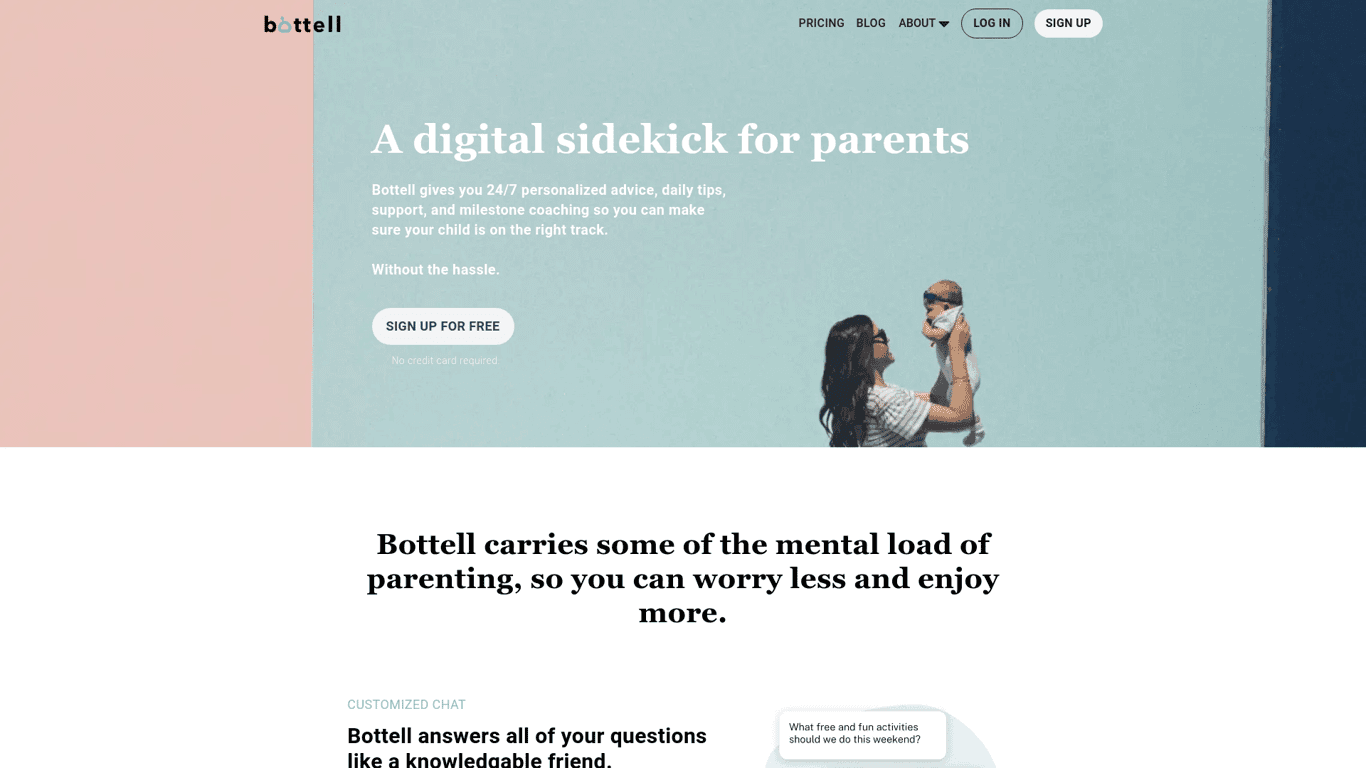
Bottell offers personalized parenting advice, daily tips, and milestone coaching using the power of...
AIML API

AIMLAPI offers access to over 100 AI models including Mixtral AI, Stable Diffusion & LLaMA. Enjoy lo...
Fleet

Fleet provides infrastructure-as-code solutions for smooth edge computing application deployment and...

Kai App

Upgrade your writing and creativity with ChatGPT on your iPhone's keyboard. Save time with intellige...

Prev Project
Next Project