Press for navigation
Swipe for navigation
Design2code
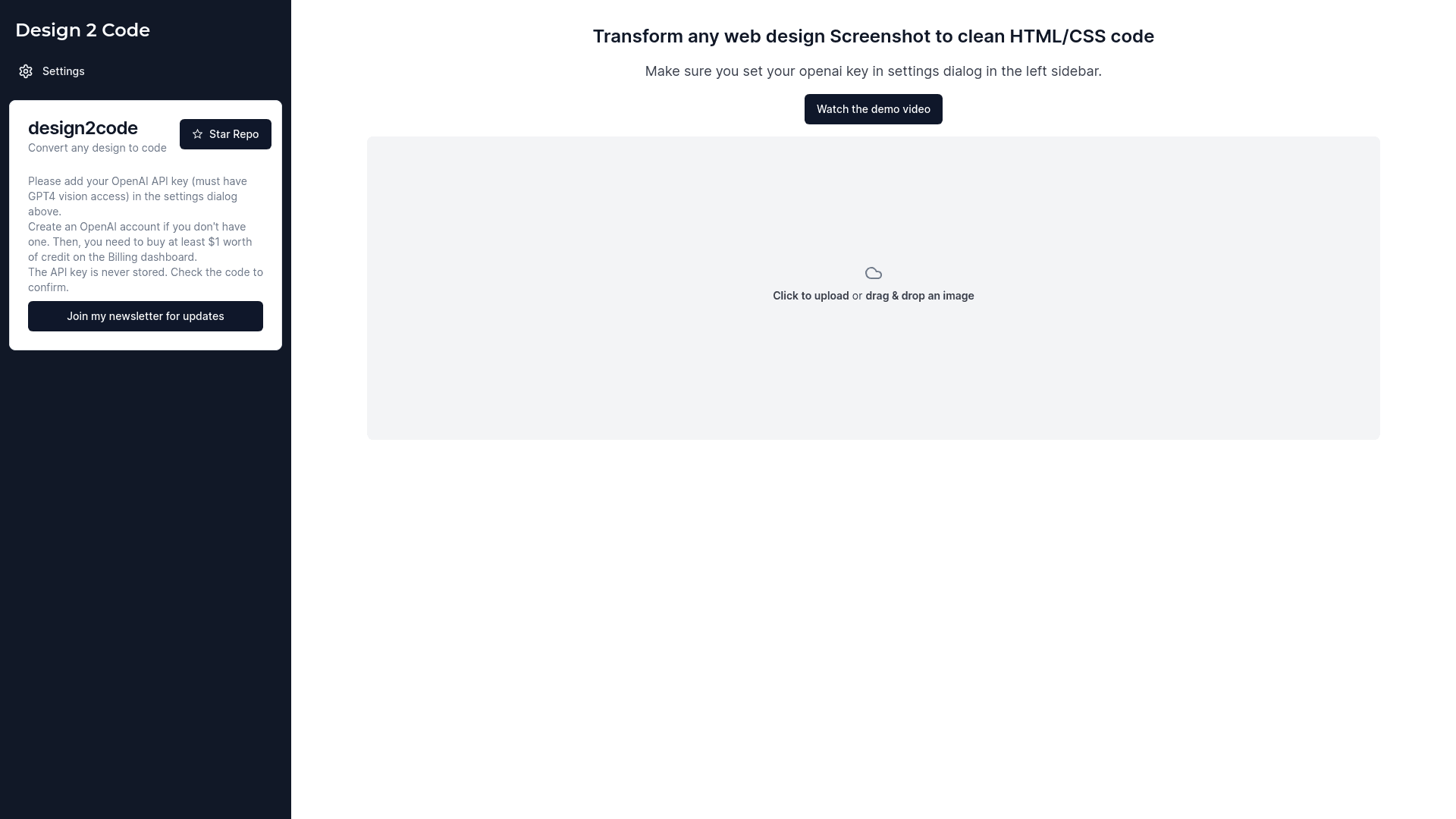
Easily convert web design screenshots to HTML/CSS code with Design 2 Code. Add your OpenAI API key with GPT-4 vision access and get started!
Design To Code
Updated 4 hours ago
Design2code's Top Features
Converts web design screenshots into HTML/CSS code
Requires OpenAI API key with GPT-4 vision access
Demo video available
Supports click or drag-and-drop image uploads
API key is not stored
Stars on repository supported
Newsletter subscription for updates
Uses GPT-4 technology
Efficient and clean code generation
Verifiable API key usage
Frequently asked questions about Design2code
Design 2 Code converts web design screenshots into clean HTML/CSS code.
Yes, you need an OpenAI account and at least $1 of credit on the billing dashboard.
Add the OpenAI API key in the settings dialog in the left sidebar.
No, the API key is never stored, and you can verify this in the code.
You need an OpenAI API key with GPT-4 vision access.
Yes, there is a demo video available for a detailed walkthrough.
You can click to upload or drag and drop an image to convert your design to code.
You can join the newsletter to receive updates.
If you find the tool useful, you can star the repository.
Design 2 Code uses GPT-4 technology for precision.
Category
Design To Code
Prev Project